WordPress.org

Plugin Directory

Slider, Carousel, and Slideshow by Slider Factory – Image Slider, Video Slider

Slider, Carousel, and Slideshow by Slider Factory – Image Slider, Video Slider

Description

Slider Factory is a WordPress slider plugin for creating responsive image sliders, carousels, and slideshows. Pick images from your WordPress Media Library, choose one of 12 free layouts, and publish the slider on any page with a shortcode — no coding required. It works with the WordPress block editor and popular page builders such as Elementor, Divi, and WPBakery.

Introducing Slider Factory

Slider Factory is an all-in-one slider plugin for WordPress. You can add images, configure slider settings, and see the results using the live preview mode.

Each slider you build loads only the CSS and JavaScript required by the layouts you use, and Slider Factory works with all major WordPress page builders — Elementor, Gutenberg, Divi, WPBakery, Beaver Builder, and more.

Responsive Image Sliders

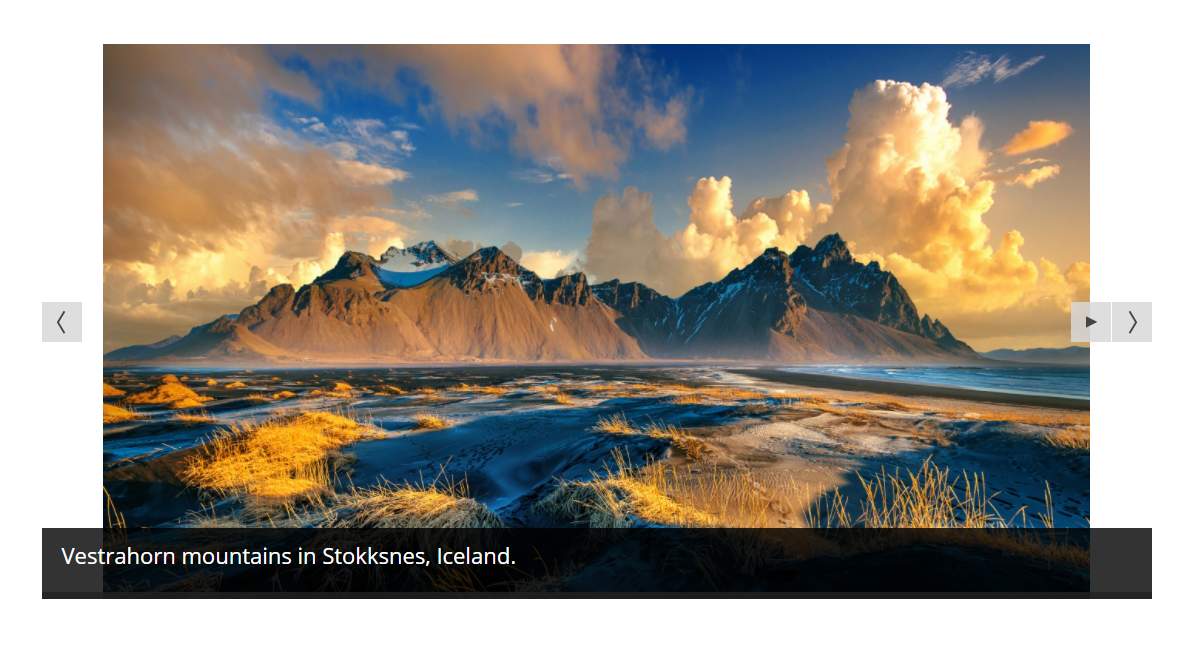
An image slider displays a sequence of photos with transition effects, arrows, and optional captions. In Slider Factory, select images from your WordPress Media Library, drag them into order, add a caption or link, and the slider is ready to publish.

Image sliders support touch-swipe navigation, so visitors can swipe through photos on phones and tablets. The same images can power a full-width hero image slider, a centered image slider, or a photo carousel. Whether you need a full-width image slider, a hero image slider, or a simple gallery carousel slider, Slider Factory covers these use cases.

Video Sliders (Pro)

With Slider Factory Pro you can create video sliders. A video slider allows you to display YouTube videos and Vimeo videos directly inside your slider.

You can mix and match video slides with image slides to create a carousel slider with both types. The video slider automatically pauses when users navigate to the next slide.

Drag and Drop Slider Builder

Creating a slideshow does not require any technical skills. Slider Factory includes a drag-and-drop slide builder:

  • Instant Preview — see your slider exactly as it will appear on your website before publishing.
  • Multi-Select & Bulk Delete — manage your image slider slides quickly with multi-select tools.
  • Clone Slider — duplicate any image slider or carousel slider with a single click.
  • Easy Reordering — drag and drop your image slides to change their order in the slideshow instantly.

Fully Responsive and Mobile-Ready Slider

Every image slider, video slider, and carousel slider created with Slider Factory is 100% responsive. Your slideshow automatically adapts to fit any screen size — from large desktop monitors to smartphones and tablets.

The image sliders feature touch-swipe navigation for mobile users to swipe through the carousel.

Compatible with All Page Builders (Elementor Slider)

Slider Factory uses a shortcode system, so you can embed your image slider or carousel slider anywhere on your site:

  • Elementor Slider — use the shortcode widget to add your image slider directly into any Elementor page.
  • Gutenberg Block Editor — insert your slideshow into Gutenberg using the native shortcode block.
  • Divi, WPBakery, Beaver Builder — Slider Factory’s image sliders are fully compatible with all major visual builders.

12 Free Slider Layouts

Slider Factory Free includes 12 unique, responsive slider layouts:

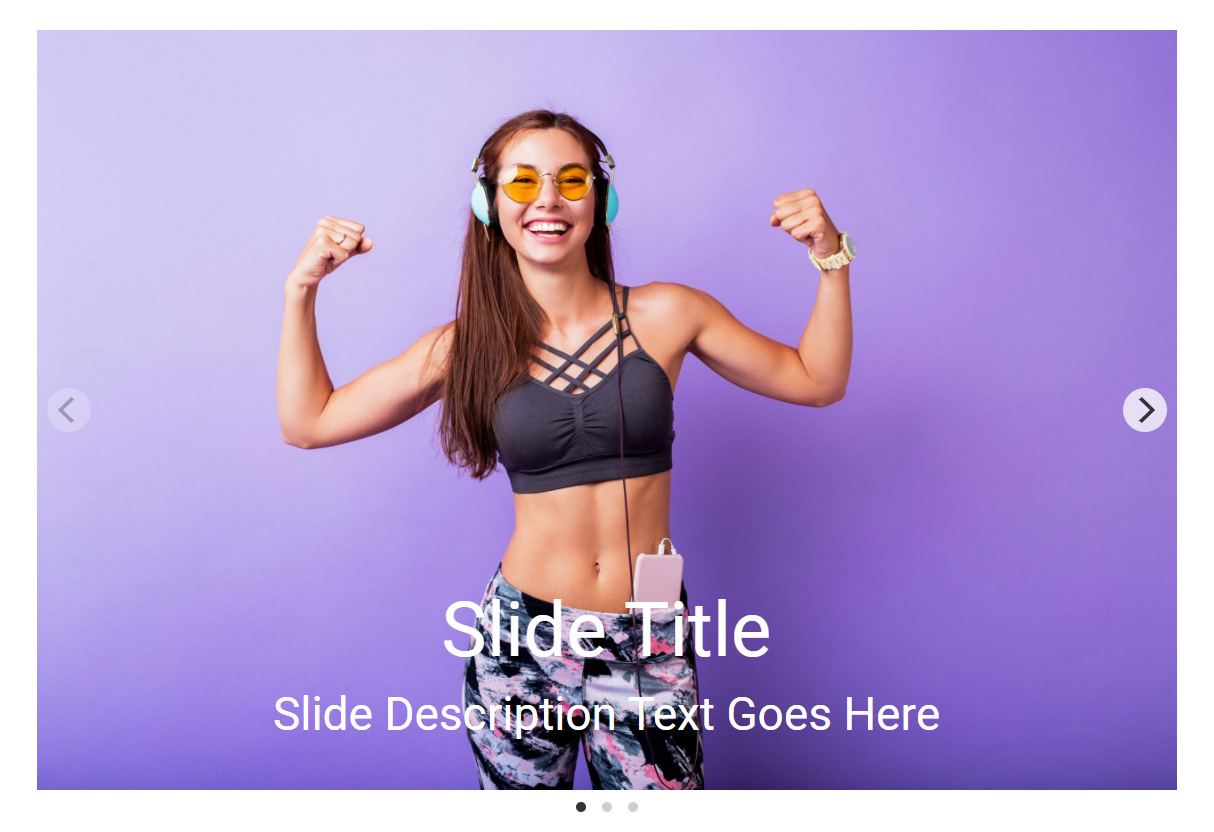
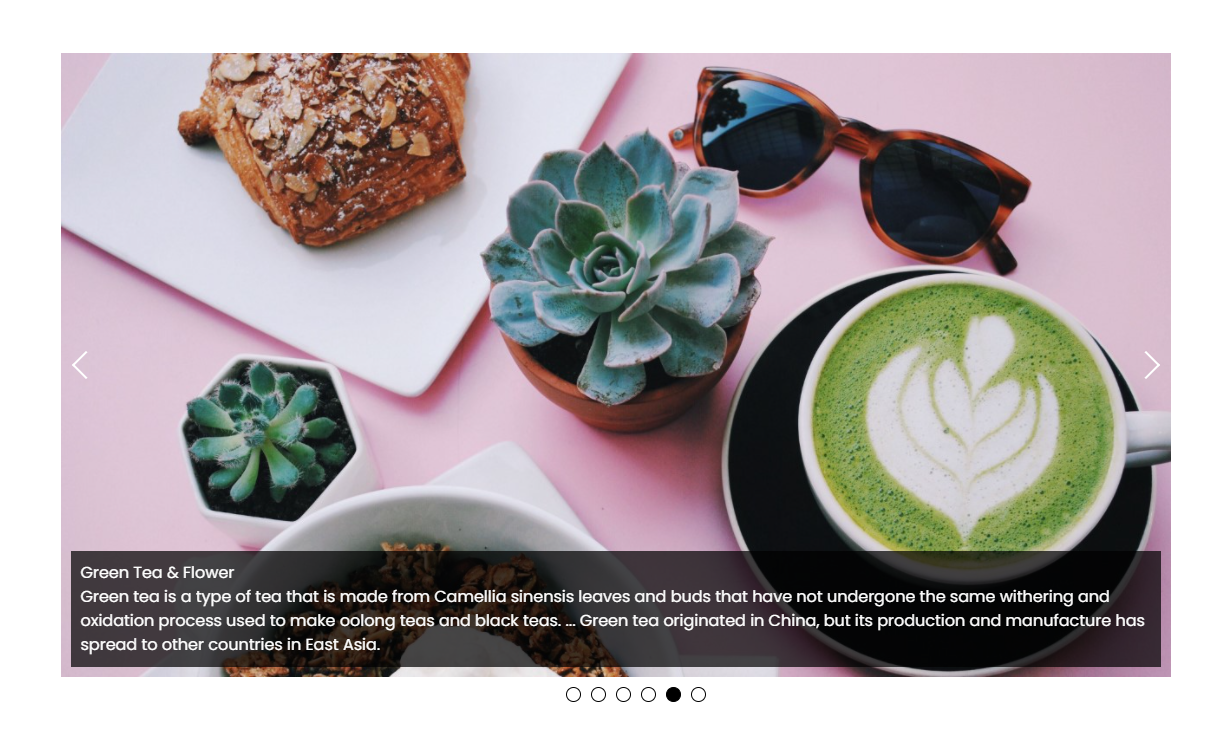
  1. Carousel Slideshow — a touch-enabled responsive image carousel slider with navigation arrows, dots, and thumbnail previews.
  2. PhotoRoller Slider — an interactive mouse-over rolling slideshow for photo gallery sliders.
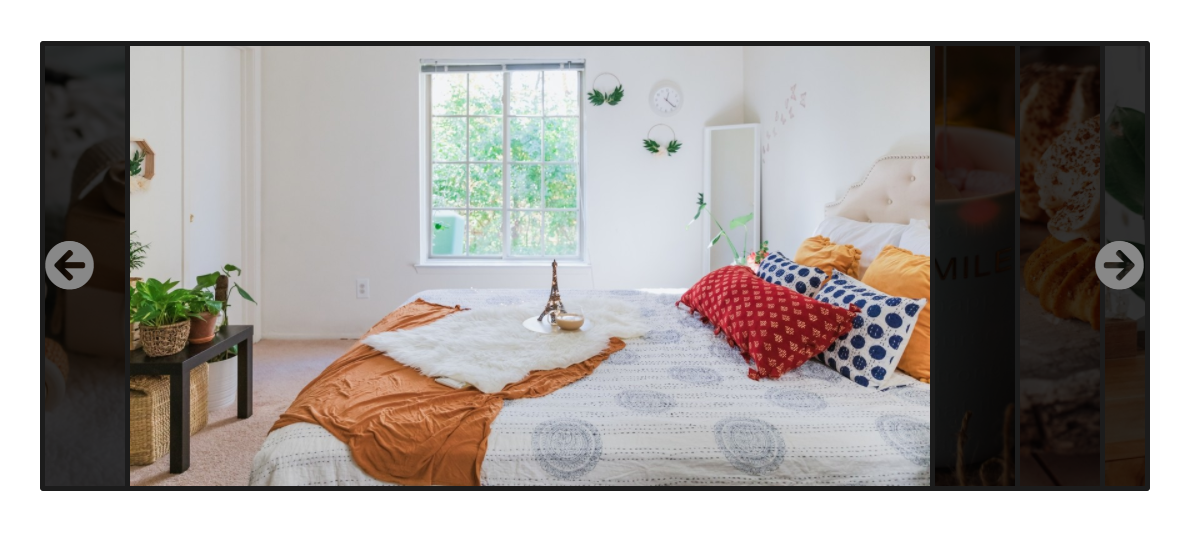
  3. Accordion Slider — an expanding accordion slider layout showcasing image cards and text titles.
  4. Camera Master — a classic slideshow with a visual progress loading bar and transition effects.
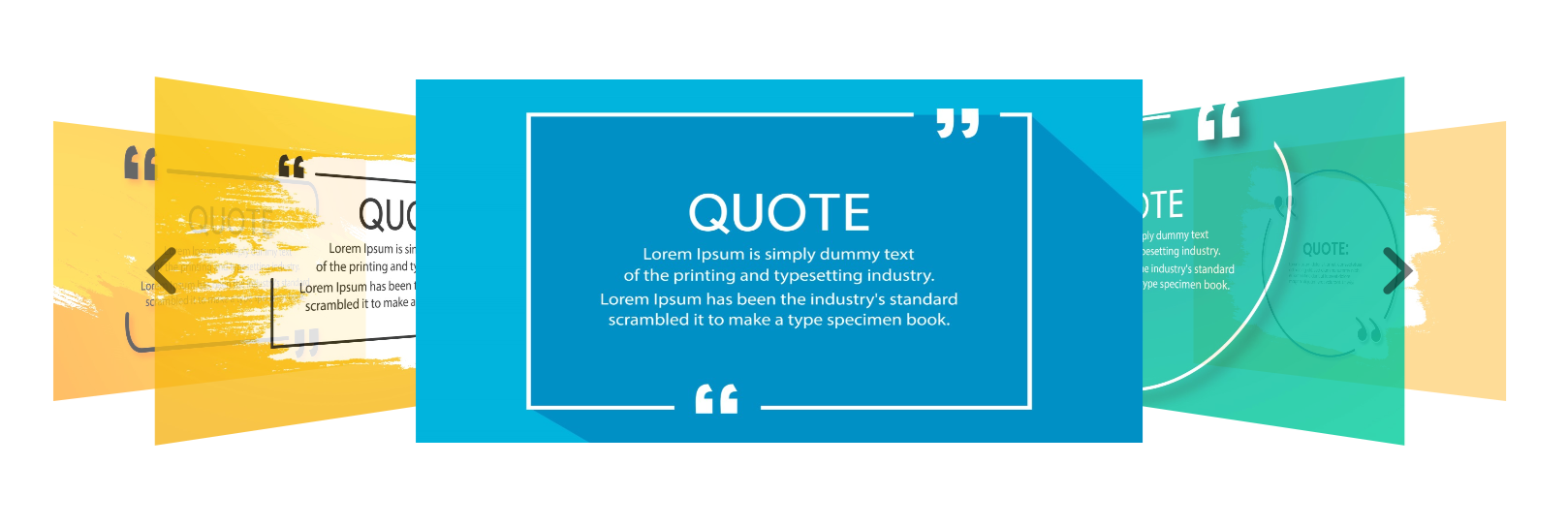
  5. Cover Flow 3D — a Flipster 3D coverflow carousel transition slider for portfolios and image galleries.
  6. Carousel Wipe — full-screen sliding banner transitions with direction controls. A choice for a hero image slider.
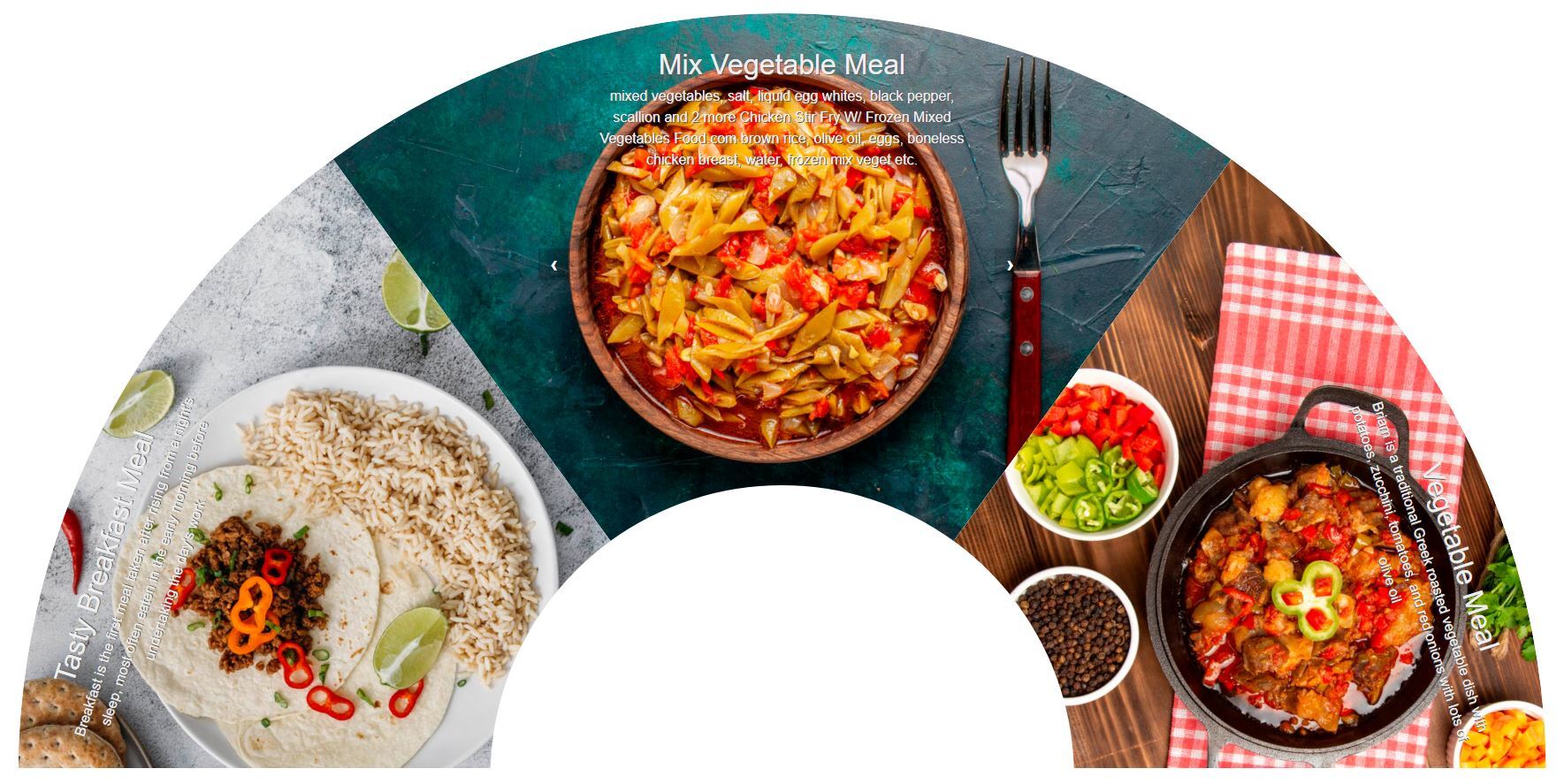
  7. Rotating Slider — a wheel rotating layout with curved angles and dynamic slide rotation.
  8. Infinite Scroll Carousel — a looping slide strip scrolling continuously. A layout for logo showcases, client logo carousels, and brand sliders.
  9. Photo View Slider — a Polaroid-styled photo grid slider with thumbnail navigation.
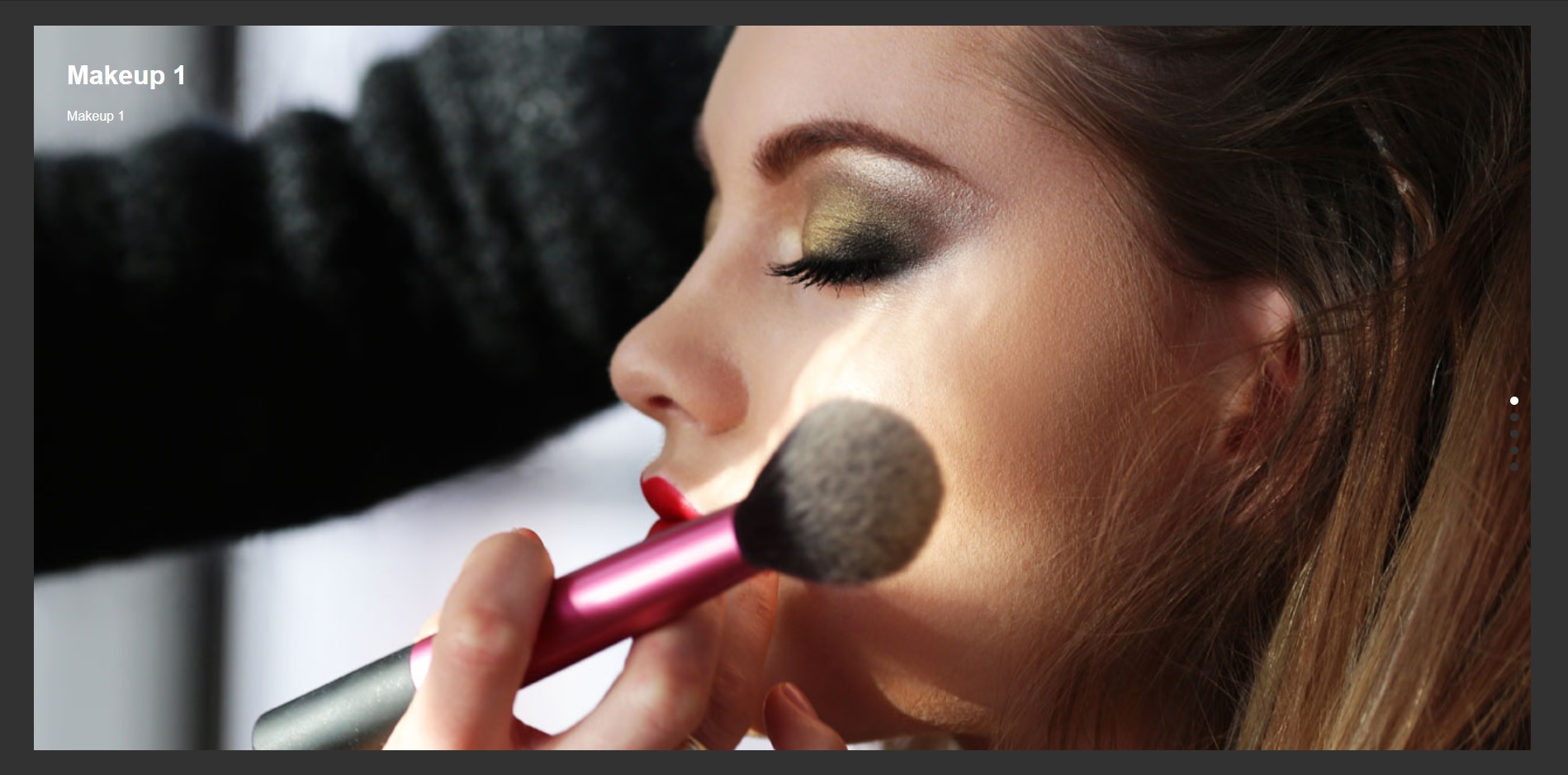
  10. Snap Page Slider — full-screen section slider grids with vertical scroll snapping.
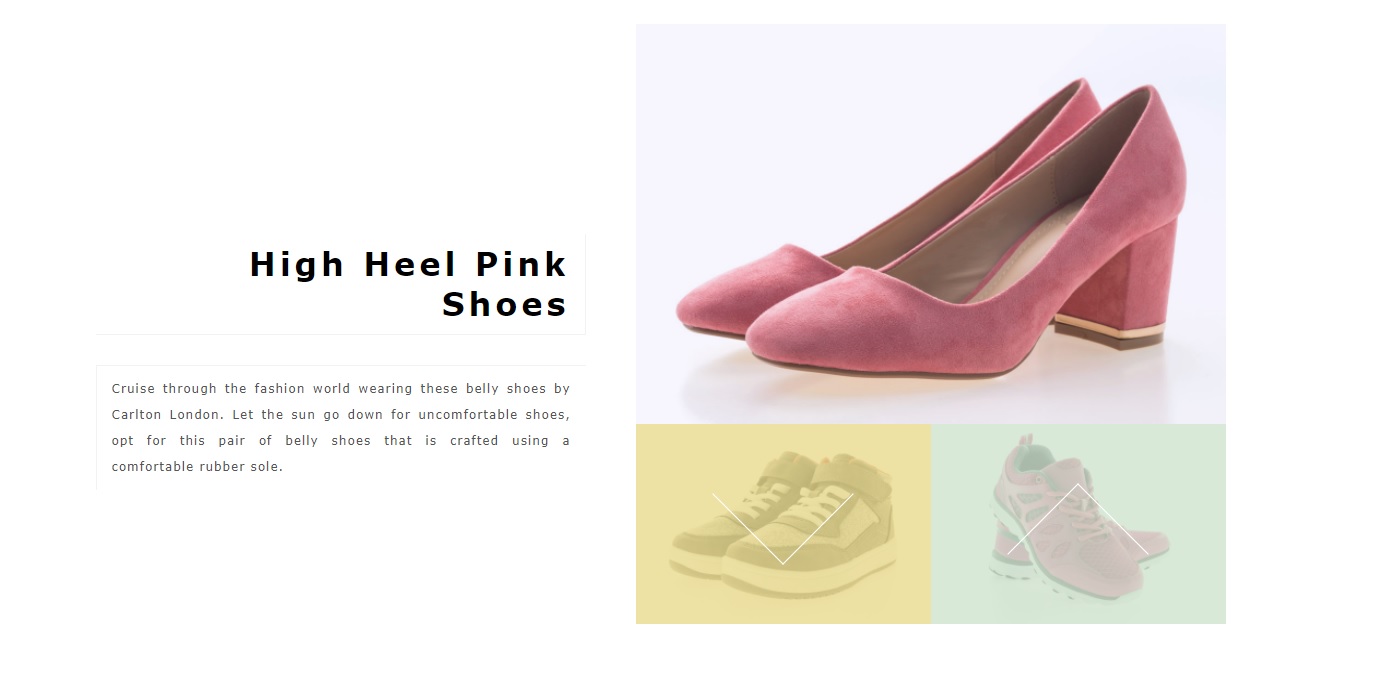
  11. Product Slider — an e-commerce product cards carousel slider designed for WooCommerce showcases.
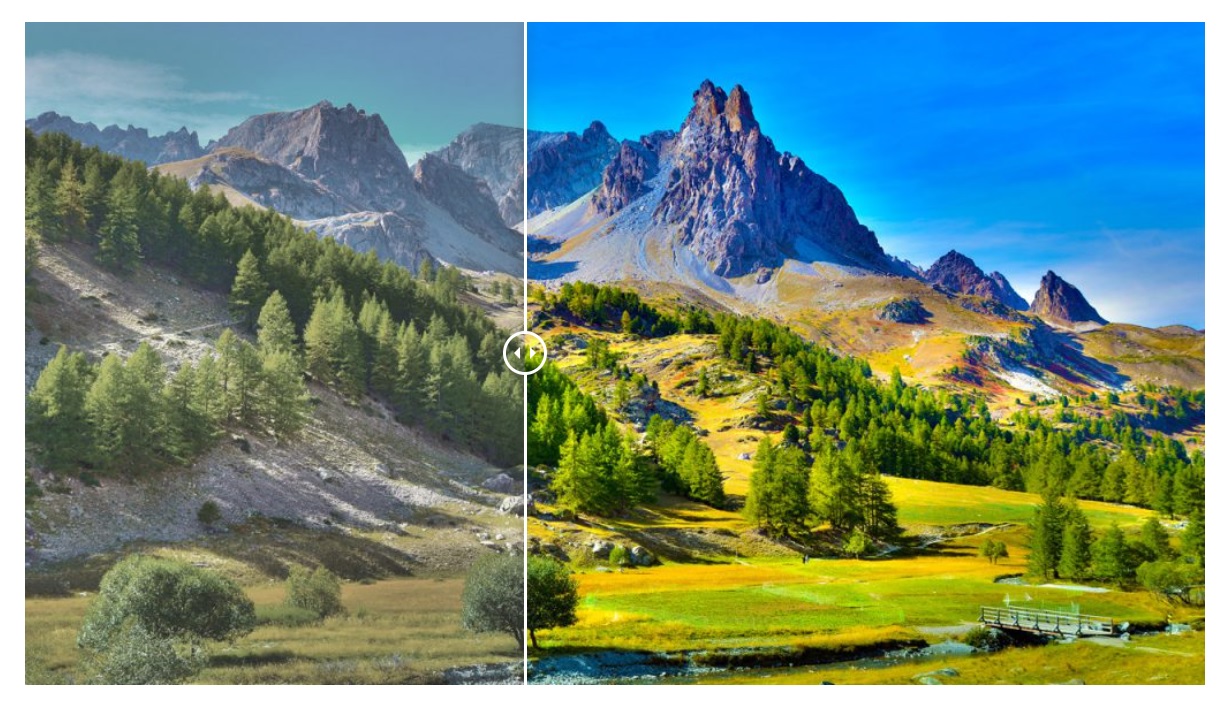
  12. Before-After Image Comparison — an interactive side-by-side image comparison slider with a draggable handle.

Free Plugin Demo: View Image Slider Demo

Slider Factory Pro Features

Slider Factory Pro adds these features:

  • 21 Total Slider Layouts — nine additional premium layouts for your image slider and carousel slider needs.
  • Video Sliders — add YouTube and Vimeo videos to your slideshows.
  • Advanced Transition Effects — fade, slide, and CSS3 animation effects for your slideshow.
  • Speed Control — control over your image slider transition speed and autoplay intervals.
  • Pause on Hover — automatically pause the carousel slider when visitors hover over it.
  • Fullscreen Slider Mode — allow users to view your image slider in fullscreen.
  • Thumbnail Navigation — clickable thumbnails below your main image slider.
  • Dots & Arrow Navigation — customize the navigation controls for your carousel slider.
  • Loading Bar — a visual progress indicator for your slideshow.
  • Image Links & Buttons — clickable links and call-to-action buttons on each image slide.
  • Adaptive Height — your slider adjusts its height based on the image dimensions.
  • Custom CSS — add your own styling to customize your image slider.
  • WPML & Translation Ready — compatible with WPML for multilingual sliders.

Pro Version Details: Learn More About Pro
Pro Version Demo: View Pro Slider Demo
Purchase Pro: Buy Slider Factory Pro

Screenshots

Installation

Installing your image slider plugin:

  1. Upload the plugin files to your /wp-content/plugins/ folder, or install directly using the WordPress “Add New Plugin” installer.
  2. Activate the Slider Factory plugin through the ‘Plugins’ menu in WordPress.
  3. Navigate to the “Slider Factory” tab in your admin dashboard menu.
  4. Click “+ New Slider” to start building your first image slider, video slider, or carousel slider!

For detailed instructions on how to create an image slider, see the Plugin Documentation.

FAQ

How do I create my first image slider?

Go to Slider Factory > Add New Slider. Upload your photos to the slide builder, choose your favorite image slider layout, configure your settings, and save! You can then copy the shortcode and paste your new image slider anywhere on your site.

Can I create a carousel slider with this plugin?

Yes! Slider Factory is specifically designed to build both standard image sliders and multi-item carousel sliders. We offer several carousel slider layouts, including Infinite Scroll and Product carousels.

Is this a responsive slider?

Every image slider, carousel slider, and video slider created with Slider Factory is 100% responsive. Your slideshow will automatically resize and adapt to desktops, tablets, and mobile phones.

Can I use this as an Elementor slider?

Yes! Slider Factory works with Elementor. Create your image slider or carousel slider in the Slider Factory dashboard, copy the shortcode, and paste it into an Elementor Shortcode Widget.

Does it work with the Gutenberg Block Editor?

Yes, Slider Factory is fully compatible with Gutenberg. You can embed your image slider or slideshow using the native Gutenberg Shortcode Block.

Can I add videos to create a video slider?

Yes! Video slider functionality is available in Slider Factory Pro. You can embed YouTube and Vimeo videos to create a video slider or mix them with standard image slides.

How many sliders can I create?

There is no limit! You can create an unlimited number of image sliders, carousel sliders, and slideshows. You can also add unlimited image slides to each slider.

Can I put multiple sliders on the same page?

Yes, you can place multiple image slider or carousel slider shortcodes on a single page or post. Each slideshow will function completely independently without conflicts.

Can I change the image slider autoplay speed?

Yes, you can adjust the autoplay interval and transition speed for your slideshow within the slider settings panel.

Does the slider support touch-swipe on mobile?

Yes! All of our image sliders and carousel sliders feature smooth, hardware-accelerated touch-swipe navigation for mobile and tablet devices.

Can I add links to my image slides?

Image linking is a feature available in Slider Factory Pro. You can add clickable URLs and multiple call-to-action buttons to every slide in your image slider.

Is the slider SEO friendly?

Yes! Slider Factory is built to be SEO optimized. You can add title tags and alt text to your images, ensuring search engines can properly index your image slider and slideshow content.

What page builders are supported?

Slider Factory’s image sliders and carousel sliders are compatible with all major page builders, including Elementor, Gutenberg, WPBakery Page Builder, Visual Composer, Divi, Beaver Builder, and Oxygen.

How do I get support for my slider?

If you need help configuring your image slider, video slider, or carousel slider, please visit our documentation at wpfrank.com or open a thread in the WordPress.org support forum.

Reviews

January 14, 2026
Update 14 Jan 2025. Faraz, provides expert tech support—right when you need it. No waiting, he’s on it immediately! This Slider Factory plugin stands out as the most user-friendly I have encountered, boasting exceptional functionality. It offers extensive possibilities for crafting sophisticated sliders through its integrated CSS capabilities. It is undoubtedly one of the most visually stunning sliders I have come across, surpassing many others I have tested. The support provided by the team at WP Frank is outstanding as they always go above and beyond to ensure your satisfaction with the plugin. They promptly address any issues that arise. Thanks guys, that’s a game changer! WEARMYHAT
April 5, 2023
We tried a few layouts, nothing worked like in the demo sites. Main photo didn’t load, the navigation didn’t work, captions were in strange fonts at the bottom of the thumbnails. Some layouts do not even have customization settings. Support was responsive but we do not have time to deactivate all plugins to solve the conflicts, we had other plugin worked perfect out of the box.
October 27, 2022 2 replies
This plugin has a big weakness. It is not possible to add a link to the image of each slide. We request the programmer of this plugin to add and update this possibility.
October 2, 2022 1 reply
Je salut le travail réalisé, et surtout la grande disponibilité et la réactivité de l’équipe à répondre à mes demandes pour améliorer ou débloquer certaines fonctionnalités. J’ai vraiment apprécié ! Eric.
May 24, 2022 1 reply
A solid tool for performing a much needed Wordpress function. I had a question and got great support from the developer.
August 9, 2021
This is the best carousel plugin that I can ask for. This is one such plugin that can handle images with different aspect ratios. This plugin fulfills all the slider needs for your website.
Read all 12 reviews

Contributors & Developers

“Slider, Carousel, and Slideshow by Slider Factory – Image Slider, Video Slider” is open source software. The following people have contributed to this plugin.

Contributors

“Slider, Carousel, and Slideshow by Slider Factory – Image Slider, Video Slider” has been translated into 1 locale. Thank you to the translators for their contributions.

Translate “Slider, Carousel, and Slideshow by Slider Factory – Image Slider, Video Slider” into your language.

Interested in development?

Browse the code, check out the SVN repository, or subscribe to the development log by RSS.

Changelog

1.4.5

  • August 12, 2026
  • Added new “Free vs Pro” comparison tab with detailed feature breakdown and upgrade links
  • Added Multi-Select and Bulk Delete functionality for slides in Slider Builder
  • Added admin-only warning notice when shortcode exists for deleted sliders (“Slider does not exist.”)
  • Added admin-only warning notice with direct configure button for published empty sliders (“No images added to the slider.”)
  • Added Active Tab persistence in local storage across page refreshes
  • Automatically disabled “+ New Slider” button when Layout Presets tab is active
  • Fixed v1.3.13 legacy height compatibility for Layout 1 (viewport collapse) and Layout 10 (scroll snap height)
  • Fixed Layout 1 adaptive height and smooth slide height transition
  • Fixed premature blank slider creation when navigating back without saving
  • Fixed PHP 8.1+ deprecation notice for null screen title on hidden admin pages
  • Fixed PHP syntax error in Layout 11 height fallback block
  • Updated default container heights: Layout 2 (auto), Layout 5 (500px), Layout 6 (600px), Layout 7 (600px, Circle: 340/240)
  • Removed text underline styles from all Free vs Pro tab buttons and links

1.4.3

  • Merge layout bug fixes and settings panel improvements
  • Remove Bootstrap CSS dependencies from WordPress admin pages
  • Port flat-data migration for older database compatibility

1.3.13

  • Layout 11 is not working on default theme: fixed
  • Dashboard button CSS changed #e52e00
  • Layout 11 CSS refactored to use Flexbox
  • Layout 11 compatibility issue with Block themes fixed
  • Performance issue with adding multiple images fixed

1.3.12

  • Readme updated for WordPress.org guidelines compliance

1.3.11

  • Regular update and maintenance

1.3.10

  • Manage slider interface updated
  • Tested on Latest WordPress 6.0.3

1.3.9

  • PHP v7.4.x tested

1.3.8

  • Tested on Latest WordPress version.

1.3.7

  • More security issues fixed.

1.3.5

  • Settings saving issue fixed.

1.3.4

  • Typos fixed
  • Security issue patched.

1.3.3

  • Security issue patched.

1.3.2

  • Security issue fixed.

1.3.1

  • Compatible with 5.8.1 and tested with regular update.

1.3.0

  • Layout 12 – Image loading issue on page load, fixed
  • Security issue on data saving, patched
  • Compatible with on WordPress version 5.8

1.2.0

  • Layout 7 – Error in shortcode fixed
  • Layout 4 – Image fit issue resolved
  • Layout 5 – Page scroll issue resolved
  • Enhanced the code security as per WordPress guidelines
  • Layout 12 – Image quality issue resolved

1.1.1

  • Layout 1 – image loading issue fixed on page load
  • Layout 1 – image height issue for different shortcodes on same page fixed
  • Version number added on All Slider Layouts page

1.1.0

  • New layouts 10, 11 & 12 added
  • Layout 10 height issue fixed
  • Disabled PRO features added to layout settings part
  • Layout 11 description font issue and default height issue fixed
  • Layout 5 default size issue fixed
  • Layout 2 height in px issue fixed